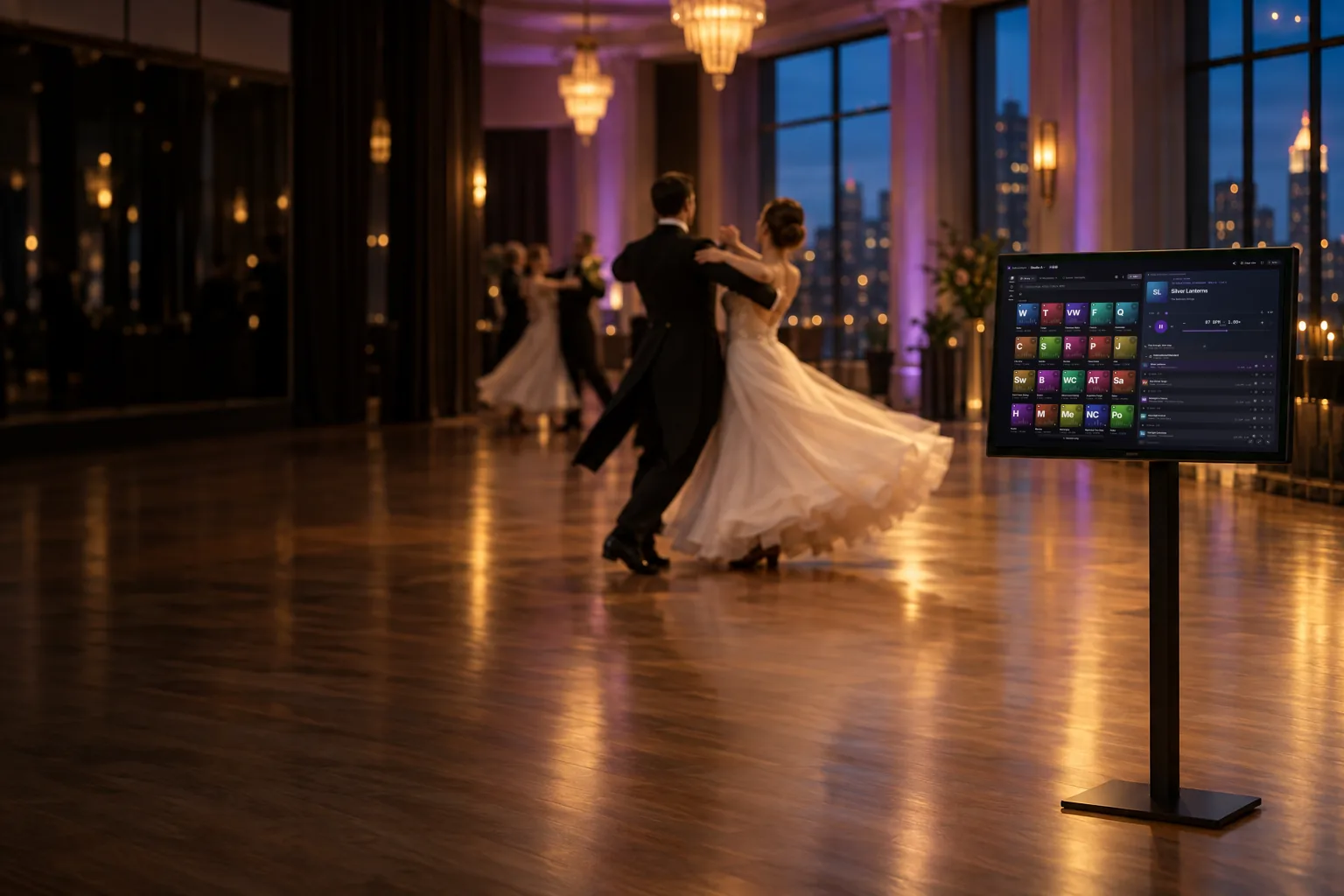
Run your class from your phone. The studio PC plays the music.
Scan the QR code on the studio PC, then run rounds, heats, social dances, tempo and breaks from anywhere on the floor.
Also on Android, Mac and the web.
One computer plays. Your phone runs the class.
-
Install on the studio PC
Put BallroomSync on the computer that’s connected to your speakers and open a room. That computer is the one that plays the music.
-
Scan the QR with your phone
The studio PC shows a QR code. Scan it and your phone becomes the remote for the room.
-
Run the class from the floor
Start rounds, heats and socials, set the tempo and call breaks from your phone while the studio PC plays.
Built for ballroom
Made around how classes, practice rounds and party nights actually run.
| Dance | Plays | Target |
|---|---|---|
| WaltzPlaying | 1:30 | 84 BPM |
| Tango | 1:30 | 128 BPM |
| Viennese Waltz | 1:30 | 174 BPM |
| Foxtrot | 1:30 | 112 BPM |
| Quickstep | 1:30 | 200 BPM |
-
Rounds & heats
A round is a saved list of dances that each play for a set time; a heat interleaves rounds so several groups of couples take the floor in turn for each dance.
- International Standard
- International Latin
- American Smooth
- American Rhythm
-
Socials that keep going
For party nights, a social rotates through the dances you pick, never plays the same dance twice in a row, and doesn’t repeat a song until that dance’s songs are used up.
-
Tempo targets per dance
Give each dance a target tempo and its songs are sped up or slowed down toward it.
Waltz 84 BPM · Quickstep 200 BPM -
Clap-to-continue breaks
Take a timed break between dances (silent or with quiet filler music, with optional count-in beeps), or one that waits until the studio PC hears the class clap.
-
Fades & play-for times
Play each song for a set time and fade it out, or let it play to the end; skipping mid-song fades it out under the next one in about 3 seconds.
1:30 → fade
Where the music comes from
Uploaded music is the most reliable way to run a class. Streaming songs play only on the studio PC.
-
Your own music
Most reliableUpload songs you own into a folder for each dance. They stream from the BallroomSync server to the studio PC.
-
YouTube links
Add a YouTube link and it plays on the studio PC.
-
Spotify playlists
Import a Spotify playlist as a list of songs. Each one plays on the studio PC through its YouTube match; Spotify itself doesn’t play.
-
Apple Music links
Same idea: Apple Music songs play on the studio PC through their YouTube match.
Phones in the room show what’s playing; only the studio PC plays sound.
Pricing
Studio pricing is being finalized.
One room license opens one room at a time; any number of phones can join it, and joining is free.
Questions studios ask
Do I need internet?
Yes. The studio PC and the phones need an internet connection (or a studio’s own BallroomSync server on the local network). YouTube, Spotify and Apple Music songs also need internet on the studio PC. Uploaded music is the most reliable.
What plays where?
The studio PC plays the music through your speakers. Phones and tablets in the room are remotes: they show what’s playing and run the class, but they don’t play sound. Streaming songs play only on the studio PC.
Do my students need the app?
No. The music comes from the studio PC, so students don’t need anything. Anyone helping to run the class, like an assistant or a second instructor, can join from their phone by scanning the QR code.
Which phones work?
iPhones and Android phones. A phone joins the room by scanning the QR code on the studio PC, using the BallroomSync app or the web app in its browser. Joining needs a sign-in.
What’s a room license?
A room license lets you open a room, the session your studio PC plays in. One license opens one room at a time, and any number of phones can join it. Joining a room is free; only opening one needs a license.
Get BallroomSync
Start with the studio PC. Phones join by scanning its QR code.
-
For the studio PC
Windows
Install on the computer connected to your speakers.
Download for Windows -
Android
App for Android phones and tablets, as a direct APK download.
Download the APK -
Mac
The BallroomSync app for macOS.
Download for Mac -
Web app
Runs in your browser, with nothing to install.
Open the web app
Questions? Get in touch.
For studio pricing, licenses or help getting set up, email [contact email].